RiftRec League Recorder for Windows
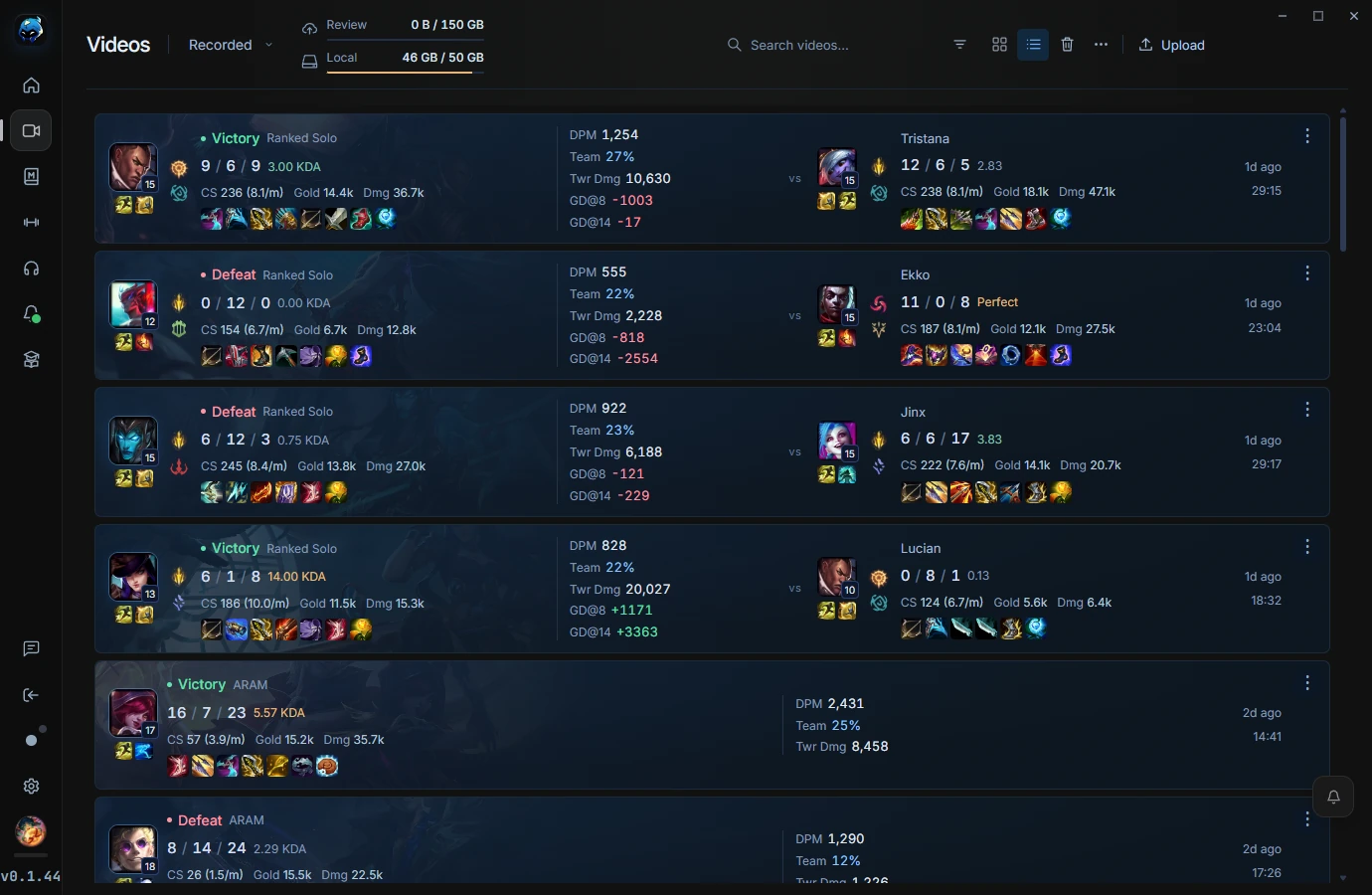
RiftRec League Recorder records your own League of Legends games on Windows, keeps completed matches organized, and gives you a clean place to review deaths, notes, and match context after the game is over.
What makes RiftRec League Recorder useful?
Automatic recording
Start playing and RiftRec can capture the match so you do not need to remember to press record before each game.
Local files first
Your recordings are stored on your computer unless you choose to upload a VOD for online Review rooms.
Review timeline
Completed matches can be reviewed with timeline context, notes, and death-review workflows.
Hardware encoding
RiftRec supports H.264 recording with hardware acceleration where available.
Designed for post-game improvement
A general screen recorder can capture the game, but League review needs organization. RiftRec focuses on completed games: finding a match, replaying important moments, saving notes, and using the recording as a real improvement tool.
- Review your own laning, deaths, macro decisions, team fights, and objective setups.
- Keep recordings connected to match context instead of a folder full of unknown video files.
- Use optional Review rooms when you want a friend, teammate, or coach to watch with you.
Recorder screenshots