I’m a player
Set up automatic recording, check your audio, and play your next match.
Set up recordingAutomatic recording, match stats, clips and synchronized reviews with friends or coaches. Local recording is free; cloud and analysis features depend on your plan.
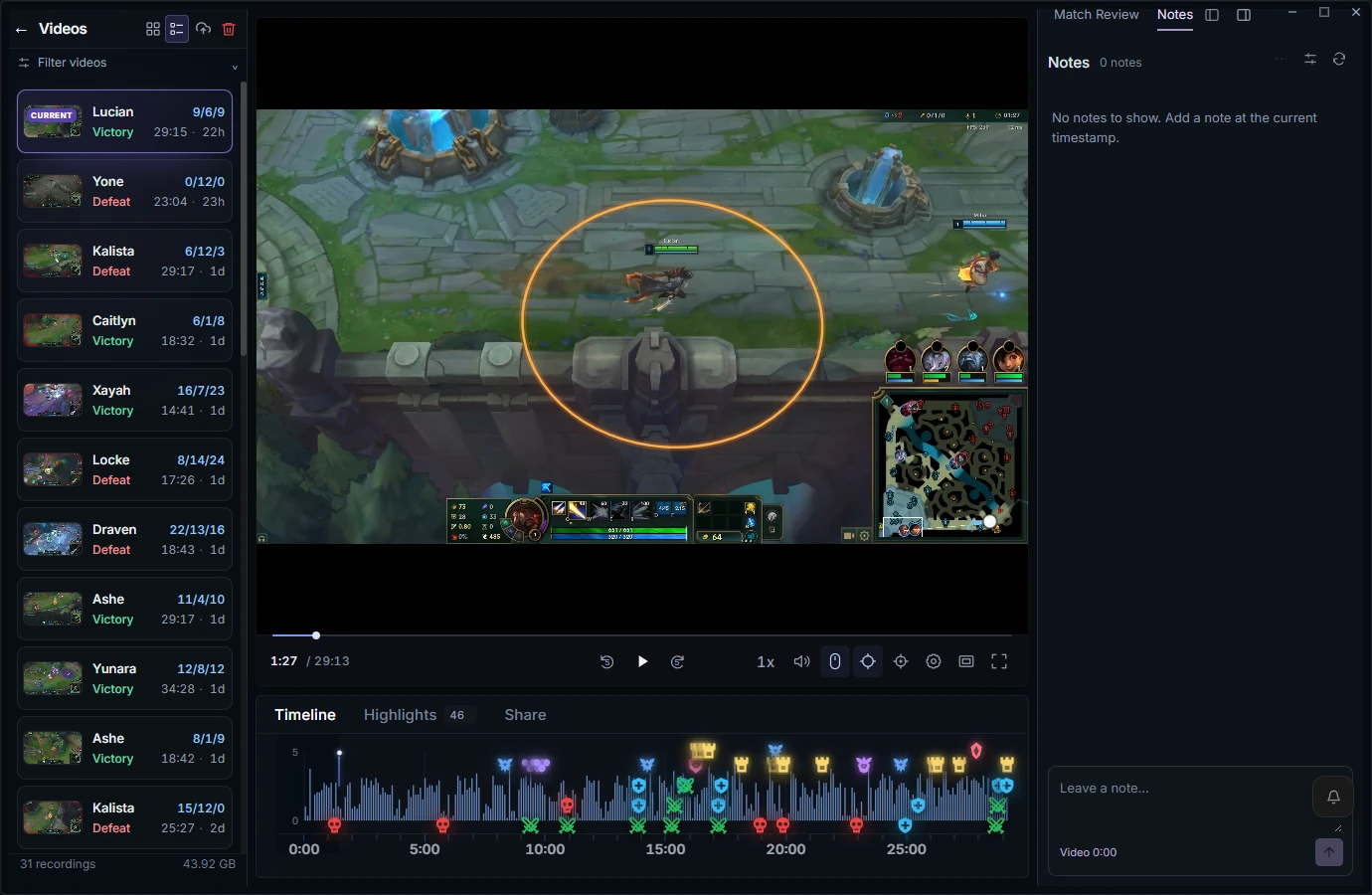
Latest desktop build preview
Auto-record saves the game locally when recording ends.
Find your saved game in Videos and press play.
Pause or seek to a decision; use available match data for context.
Keep timestamped feedback attached to the moment.
Upload by choice and watch in sync with a friend or coach.
Set up automatic recording, check your audio, and play your next match.
Set up recordingOpen Review in your browser, sign in, and bring a VOD into a room.
Open browser ReviewFor synchronized VOD review, invited participants need a browser, a free RiftRec account and access to the room/video. They do not need the Windows recorder. Temporary guest links are for calls, not full VOD review.
Turn on auto-record for your supported queues. RiftRec saves each match to your PC and brings your recordings, clips and match details together.
How recording works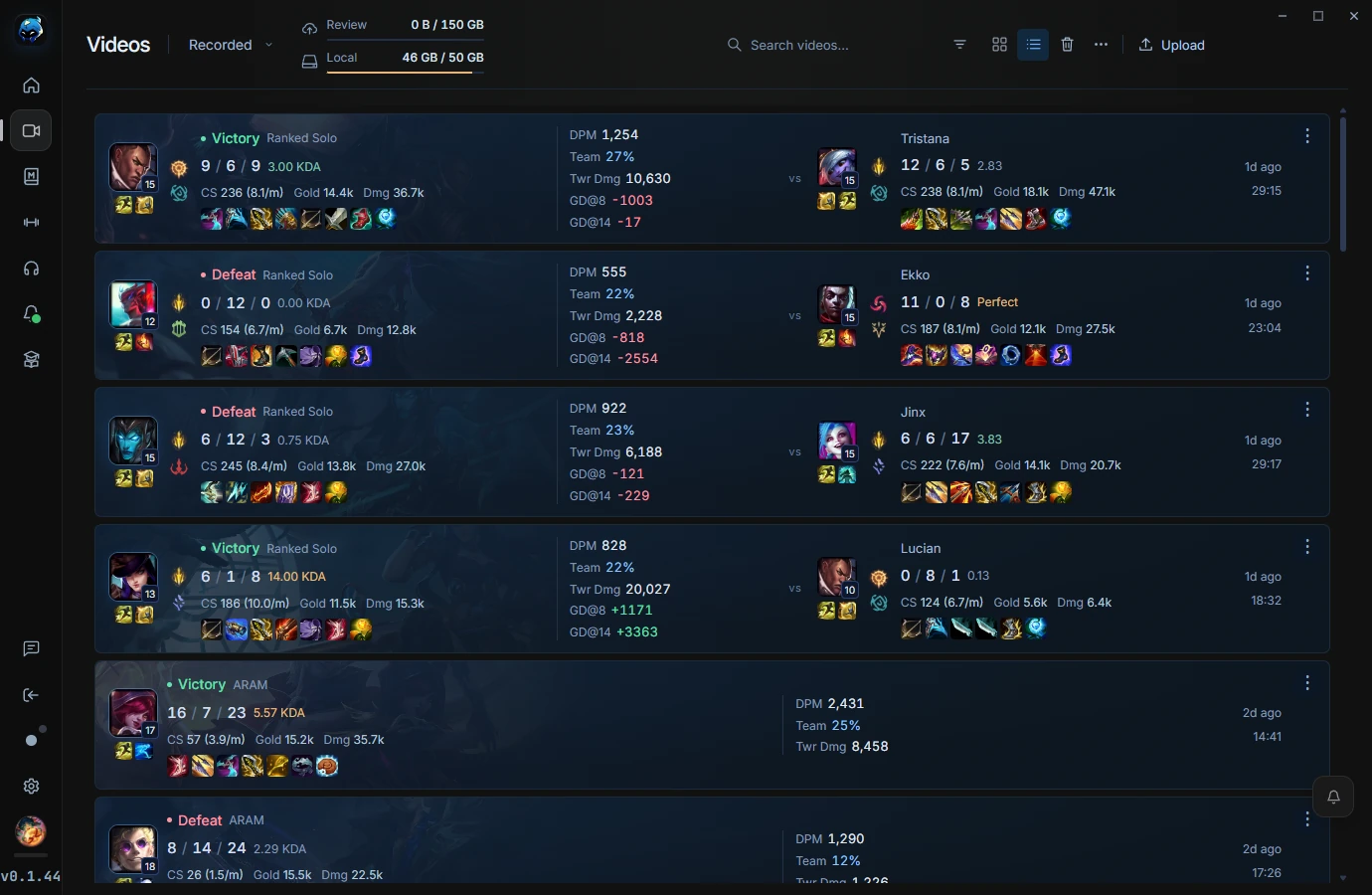
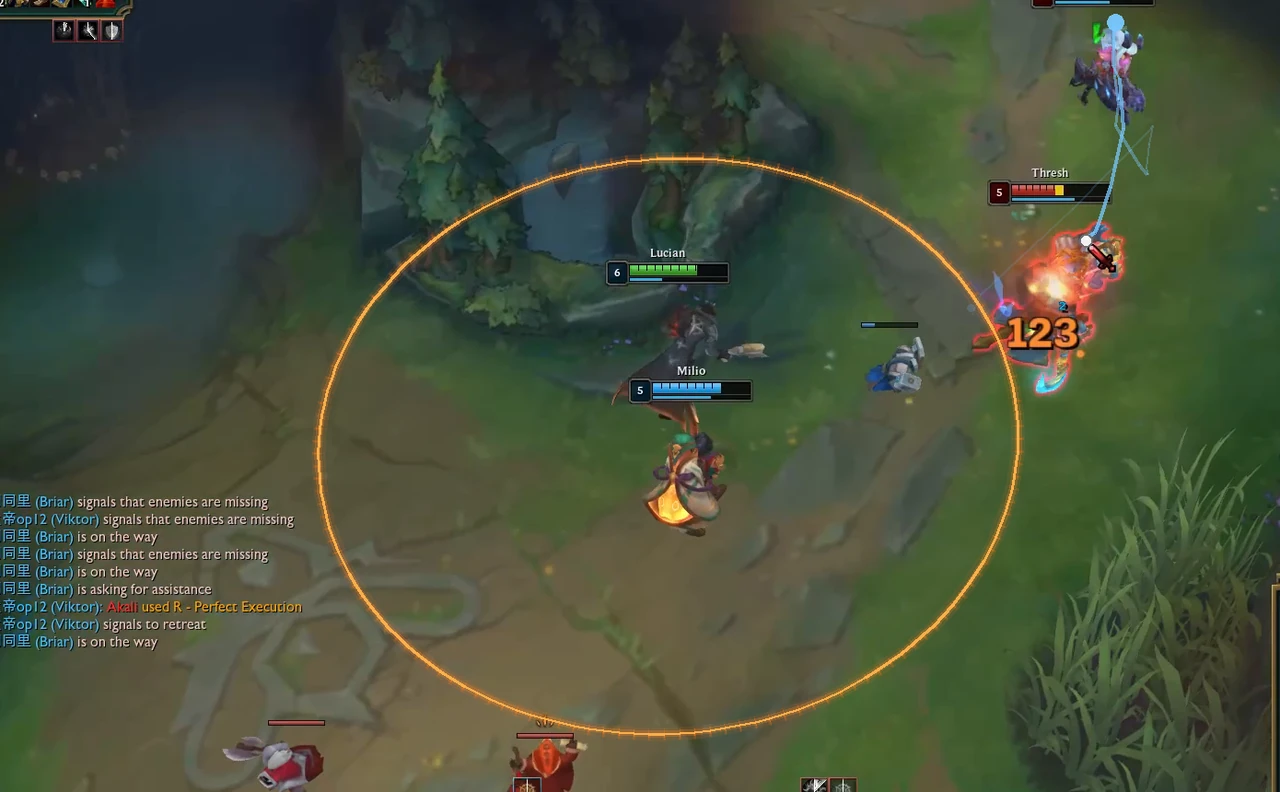
Revisit your decisions with match stats, cursor trails and click data alongside the recording. Create a clip when a moment is worth another look.
Explore mouse trackingA look inside Gym: the progress radar, concept grades and reviewed plays, together in one view.
Explore the Gym preview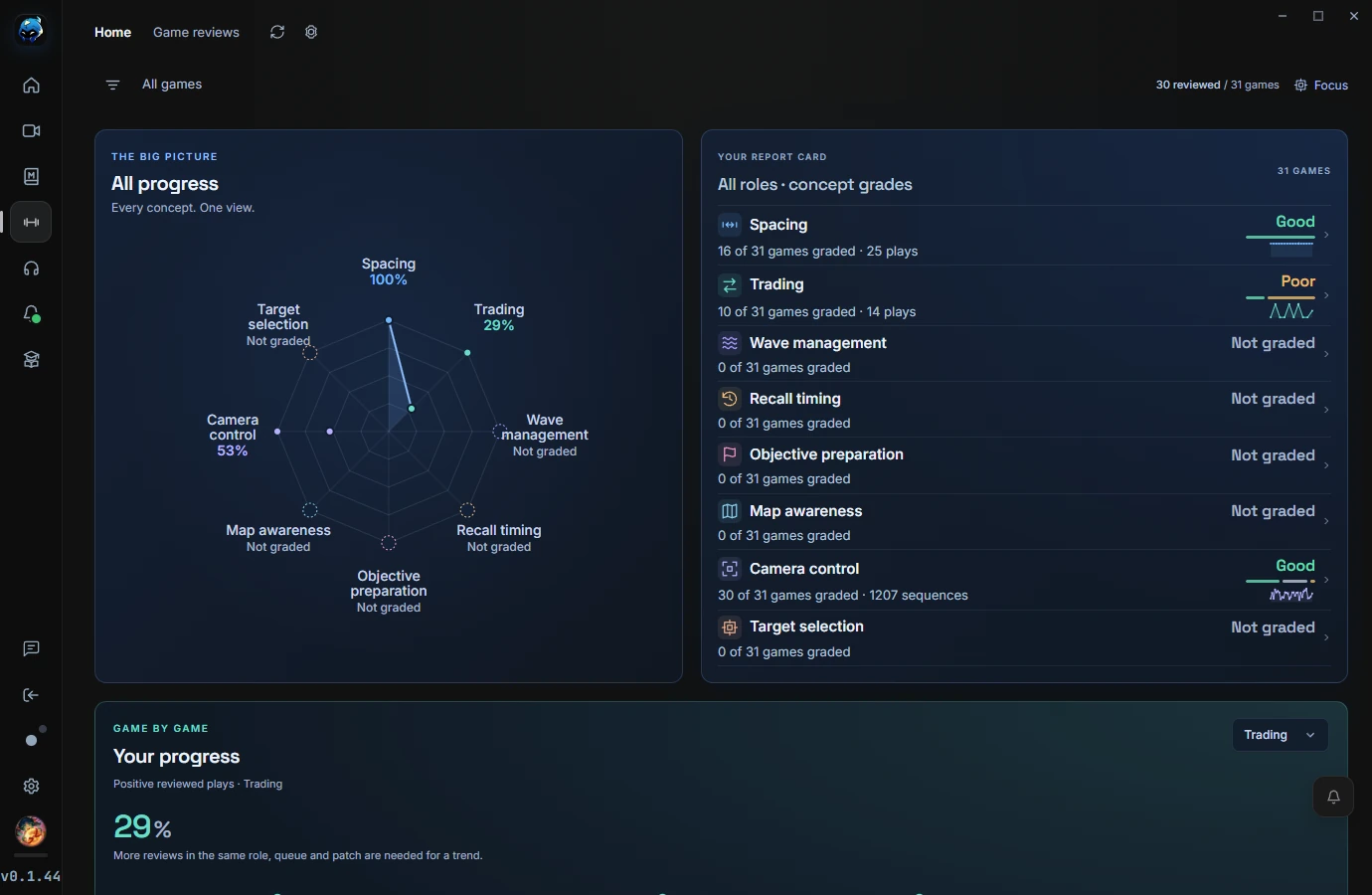
Bring your coach, duo or team into the review. Watch a synchronized VOD, talk in voice, and share your screen in one room.
Open RiftRec Review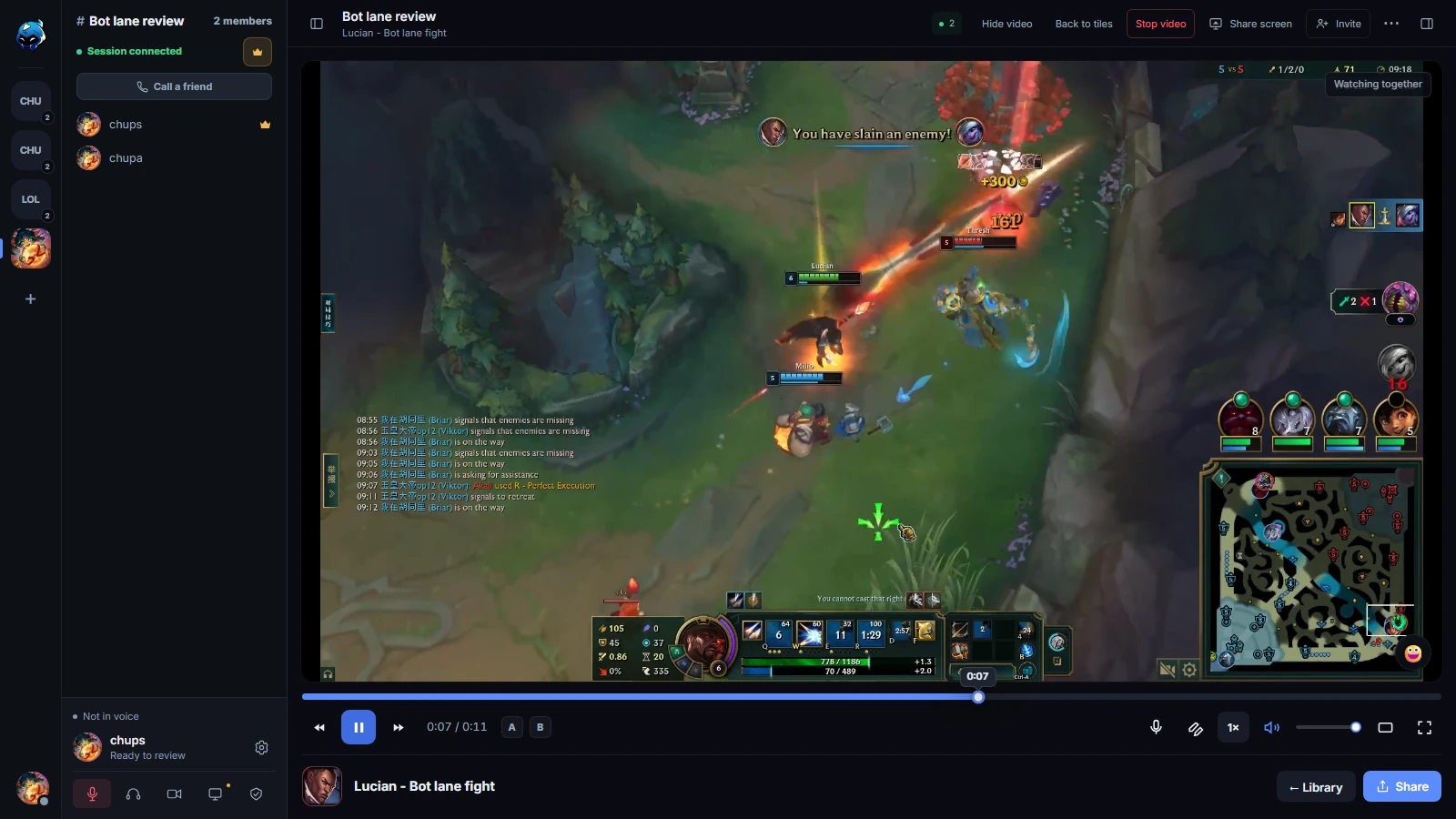
Synchronized playback keeps everyone on the same moment.
Voice, screen sharing and webcams in your review room.
Record locally. Choose what to upload and who to share it with.
Match history and available game stats help you compare games and revisit the decisions behind the numbers.
Explore the featuresTimestamped notes, marks and drawings give the next review a starting point. Shared playback keeps the conversation on the same moment.
Explore the featuresIn desktop 0.1.44, edit League settings and hotkeys, choose automatic cloud backup, and download game.cfg, Input.ini and PersistedSettings.json together as a ZIP from your Review profile.
Explore the featuresFree recording. Eligible existing accounts receive 30 days of Pro. The 21 October 2026 grant keeps eligible existing accounts on Pro through at least 20 November 2026 (UTC). Sign in to check your plan and expiry.
Compare plansRecord your League matches on Windows. Use RiftRec on Android to review your VODs and join review rooms on the go.
Get it on Google PlaySet up your recording, choose your settings, or build a repeatable VOD review routine with the RiftRec guides.
Read the guidesFree recording. Eligible existing accounts receive 30 days of Pro. The 21 October 2026 grant keeps eligible existing accounts on Pro through at least 20 November 2026 (UTC). Sign in to check your plan and expiry.
RiftRec can use supported AMD, NVIDIA or Intel hardware encoders and game-window capture. Actual performance depends on your PC, game settings and selected recording settings.
The optional click overlay uses operating-system input capture and requests administrator access to record clicks reliably. Recording can be used without enabling click tracking.
Recordings are stored locally as H.264 MP4 files. A file is uploaded only when you choose an upload or sharing feature.
In 0.1.44, automatic coaching and post-game Review are enabled by default for signed-in Pro accounts, respecting existing opt-outs. Basic Home and Game review remain available without signing in.
Game-only capture with compatible hardware encoders to reduce CPU encoding work.
Cursor trail, click markers and a live clicks-per-minute wave drawn over your VOD.
Synced VOD review with voice, notes and marks for your whole team or coach.
Intended to analyze map movement, objectives, rotations and wave states. This feature is not publicly available.
Intended to analyze mechanics such as trading, last-hitting and positioning. This feature is not publicly available.
Replay key moments as practice scenarios — try a different call and see how it could have played out.
Spot the mistakes and good habits that repeat across your games, and watch whether they're actually improving.
The native iPhone app is in progress. For Android, see RiftRec on Google Play. Recording League matches still requires the Windows desktop app.
Richer in-game events and live data — ready to ship as soon as we get the expanded Riot API access we need.
Roadmap is directional and may change. Want a say in what ships next? Join the Discord →
League of Legends recording and review, with RiftRec.