For Coaches

Review VODs with your students, live

Shared playback controls, voice, notes and marks in one room, without juggling a separate call and video player.

For synchronized VOD review, invited participants need a browser, a free RiftRec account and access to the room/video. They do not need the Windows recorder. Temporary guest links are for calls, not full VOD review.

Free recording. Eligible existing accounts receive 30 days of Pro. Storage and access
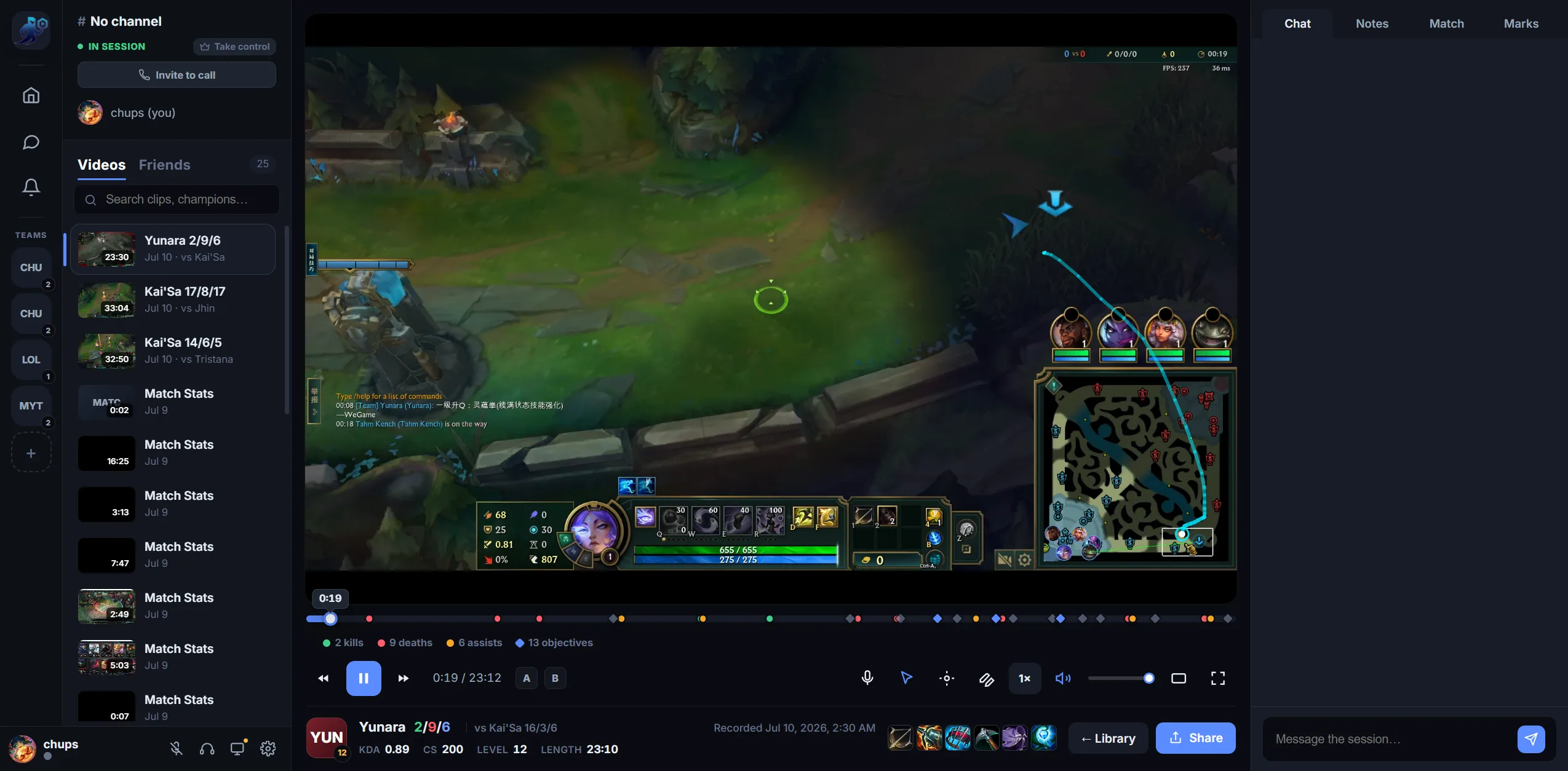
RiftRec Review room: coach and student watching a synced VOD with notes
Synced review

Keep everyone on the same moment

Shared play, pause and scrub controls keep the room aligned while you explain a decision.

  • Shared playback controls
  • Built-in voice — no separate call
  • Works with uploaded clips or screen sharing
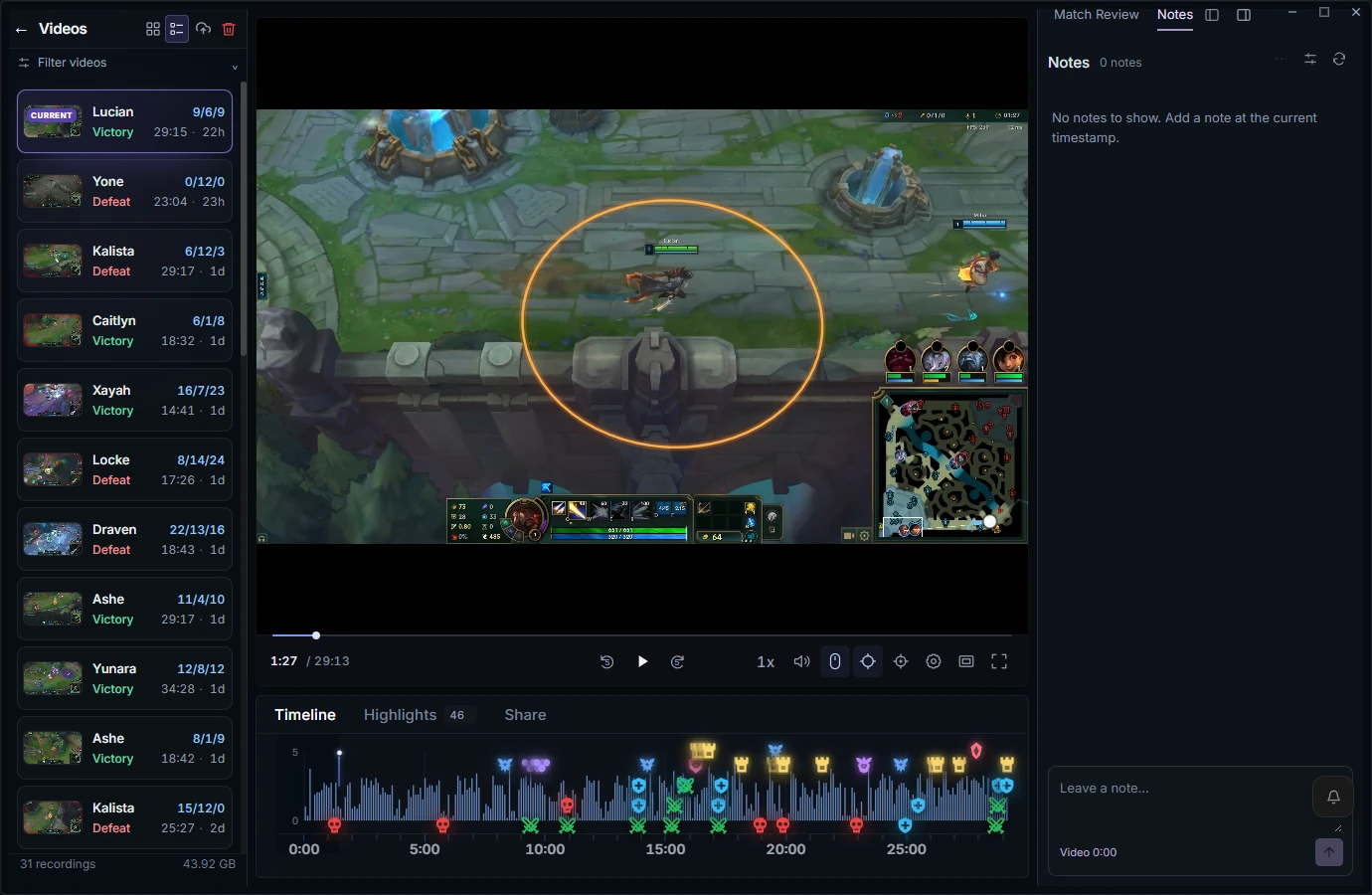
RiftRec Lucian replay with recorded mouse tracking, attack range and timeline
Context

The match data is right there

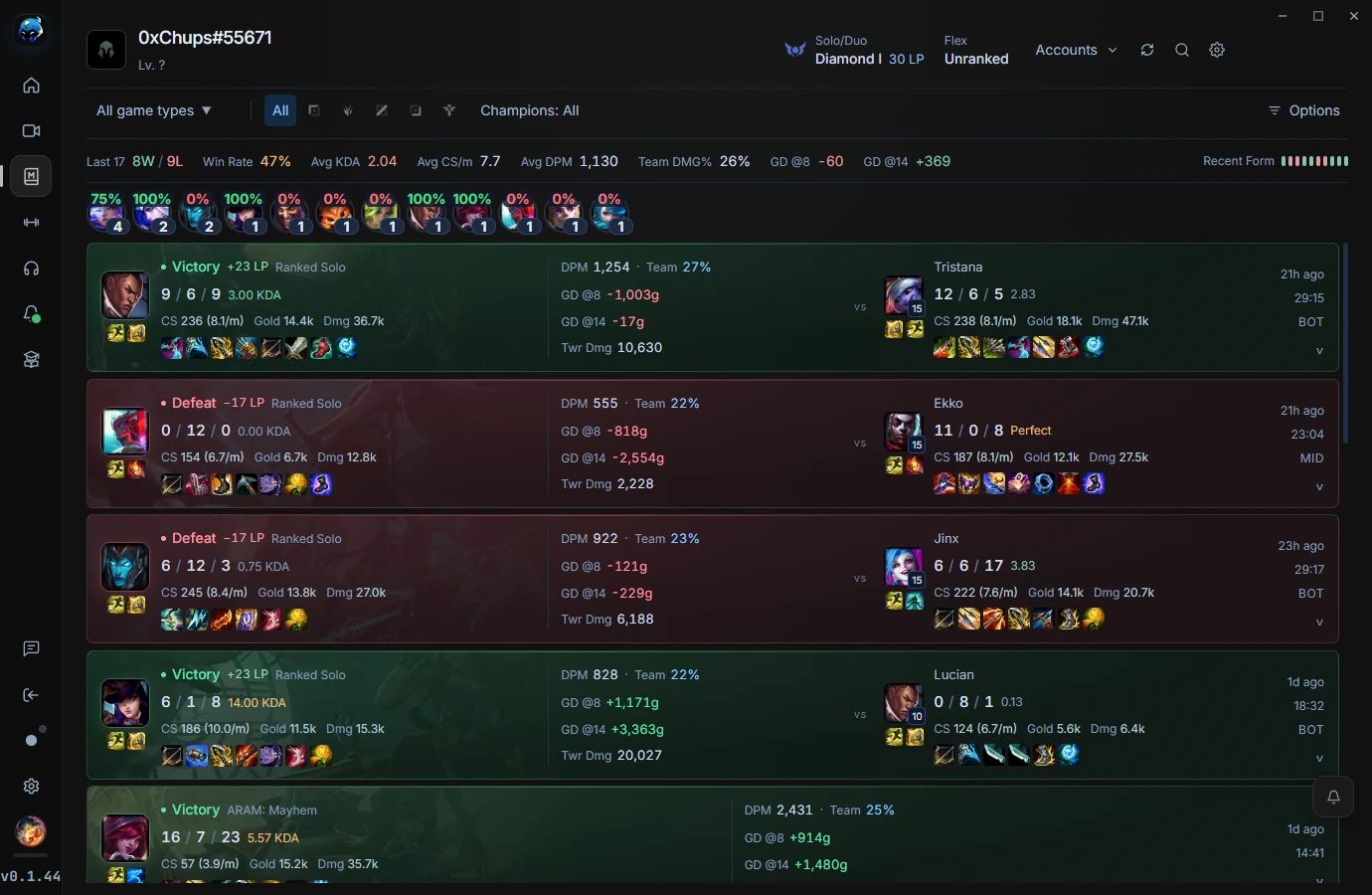
Pull up match history and stats next to the VOD so your feedback is grounded in what actually happened in the game.

  • Match history & summary stats
  • Notes and timestamped marks
  • Invite a student, duo or whole team
RiftRec match history with game results and statistics

Coach your first VOD today

Free to try — students record for free, you review together with Pro.

Get started