How to VOD review in League of Legends
A League VOD review should answer one question, inspect the decisions before key setbacks, and end with one or two rules to test next game. Use the checklist below on one recorded match at a time.
1. Pick the right game
Don't review a stomp. Pick a loss you don't fully understand — a close game you felt you should have won. Those hide the habits that are actually costing you rank. One game, reviewed well, beats skimming five.
2. Watch with a question
Passive watching teaches nothing. Give the review a job — pick one question and answer it:
- "Why did I fall behind in lane?"
- "Which death was avoidable?"
- "Where did I stop having an impact?"
Watch at normal speed, and pause the moment something looks off.
3. Check the key moments
You don't need the whole game — jump to the moments that decide it:
- Deaths — the clearest mistakes (see how to review deaths).
- Recalls & waves — did you back at the right time and reset the wave?
- Objectives — where were you 30 seconds before each dragon/baron?
4. Write down 1–2 fixes
End every review with concrete, small fixes — not "play better". Good fixes sound like: "Ward river before pushing on cooldown," "Don't fight without summoner tracking," "Recall on 1300 gold, not 2000." One or two per game is enough to actually stick.
5. Review with a coach
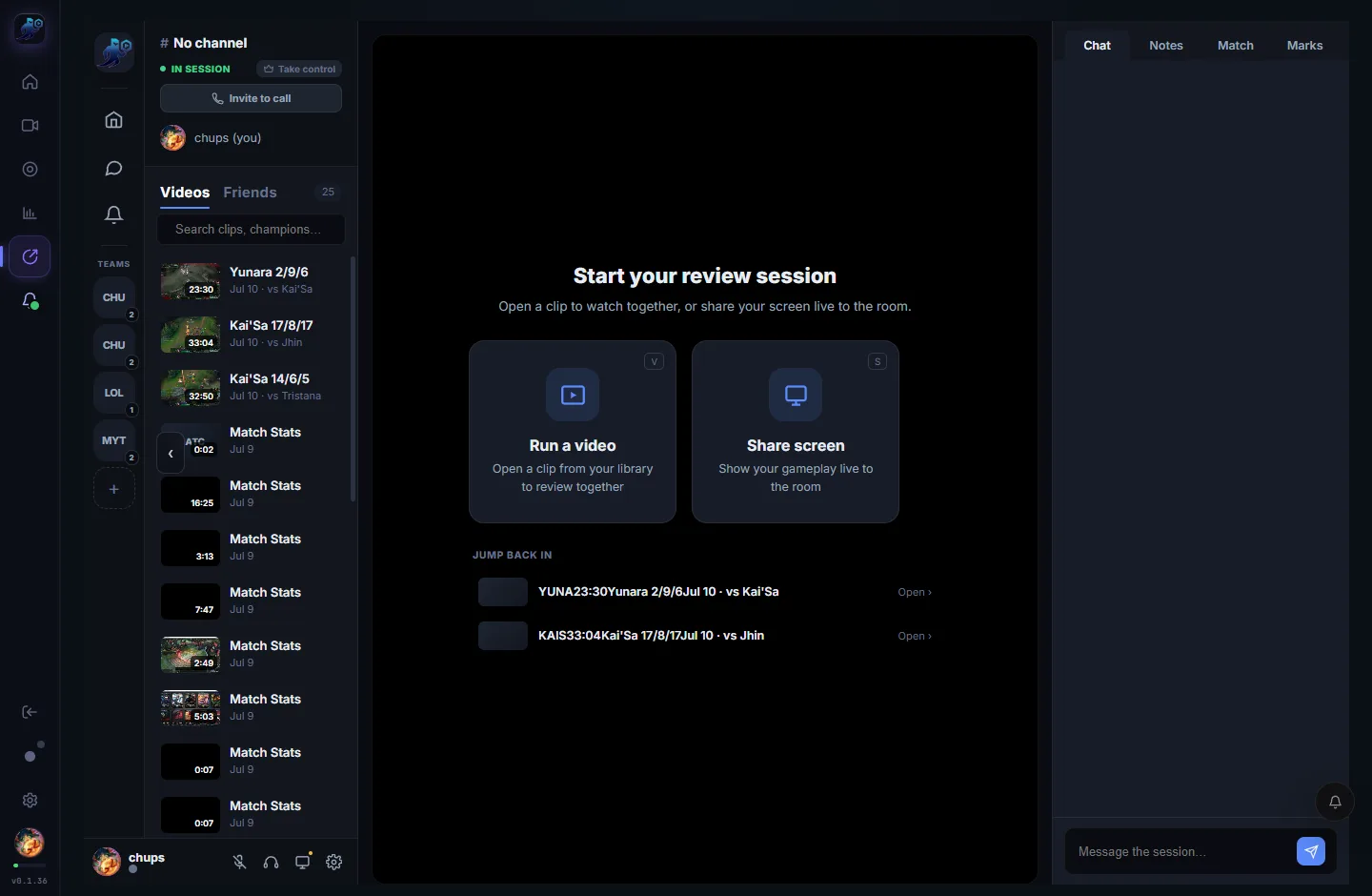
A second set of eyes finds what you can't. Upload the VOD to a Review room and watch it together with synced playback, voice and notes — see how to share a VOD with your coach.
Worked example: review the decision before the death
Illustrative coaching exercise, not an actual user match or coach testimonial. Use the same questions on your own recording; the right decision depends on the champion, wave, teammates and information visible at the time.
- Timestamp: 12:40, before walking into river
- Pause before the outcome. The exercise assumes the river entrance is unwarded and the enemy jungler has not recently been seen.
- Decision
- You move alone through the entrance to contest vision.
- Information to check
- Can a teammate move first? What does your current camera show? Was the missing jungler's position actually knowable? Do not use spectator information your player view did not have.
- Alternative to test
- Wait for a teammate or choose a safer route instead of entering blindly. Compare the cost of waiting with the objective and wave situation.
- One practice goal
- Before the next three river entries, check enemy information and whether a teammate can accompany you. Review whether you performed that check, not merely whether you survived.
For mechanical questions, pair the video with cursor and click context. High CPM does not explain whether this decision was good.
A reusable one-decision review worksheet
Download the blank CSV worksheet
Open it in your spreadsheet app, duplicate a row for each moment, and keep the completed file locally. This download does not upload your notes or require sign-in.
- Record the match, patch, champion and timestamp so you can find the moment again.
- Separate what you saw from what you learned after the outcome.
- Write one alternative and one observable practice goal.
- Return after three games and record what changed. Keep the goal if it still needs work.
Want shared controls, timestamped notes and private rooms? See the RiftRec VOD review tools.