RiftRec Review

Private League VOD review rooms
for players, friends & coaches

Upload a game, invite who you want, and watch it together with synced playback, voice, chat, drawings and notes. Your VODs stay private to the room.

For synchronized VOD review, invited participants need a browser, a free RiftRec account and access to the room/video. They do not need the Windows recorder. Temporary guest links are for calls, not full VOD review.

Free recording. Eligible existing accounts receive 30 days of Pro. Storage and access
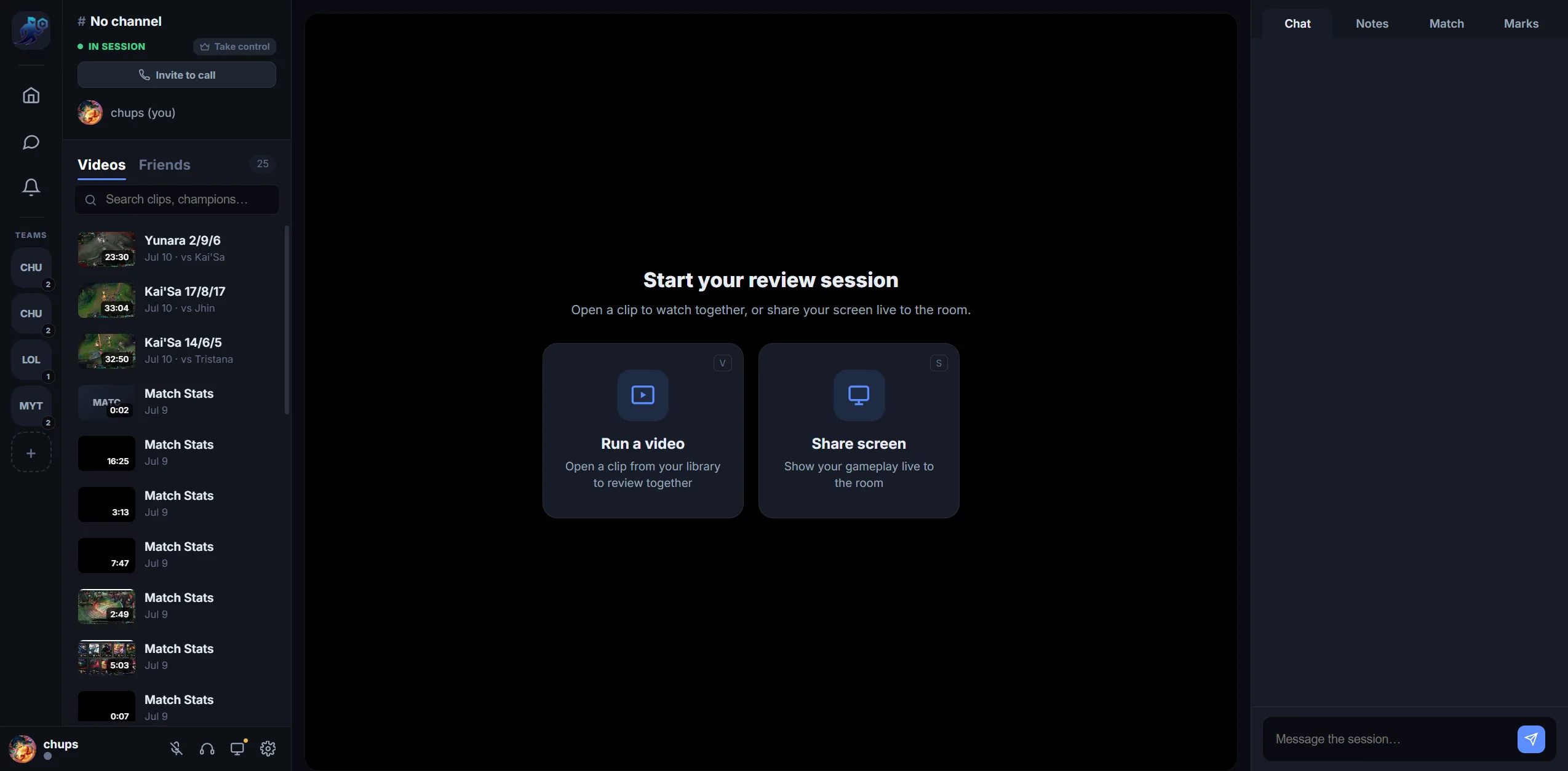
A private RiftRec Review room reviewing a League VOD together
What Review does

Built for post-game improvement

Your library

Uploaded games, ready to review

Upload from RiftRec or enable uploads for finished games. Available match stats travel with the VOD so it can be opened in a room.

  • Search clips by champion
  • Match stats attached to each VOD
  • Private by default
RiftRec Review library of uploaded League games
The room

Watch together, talk it through

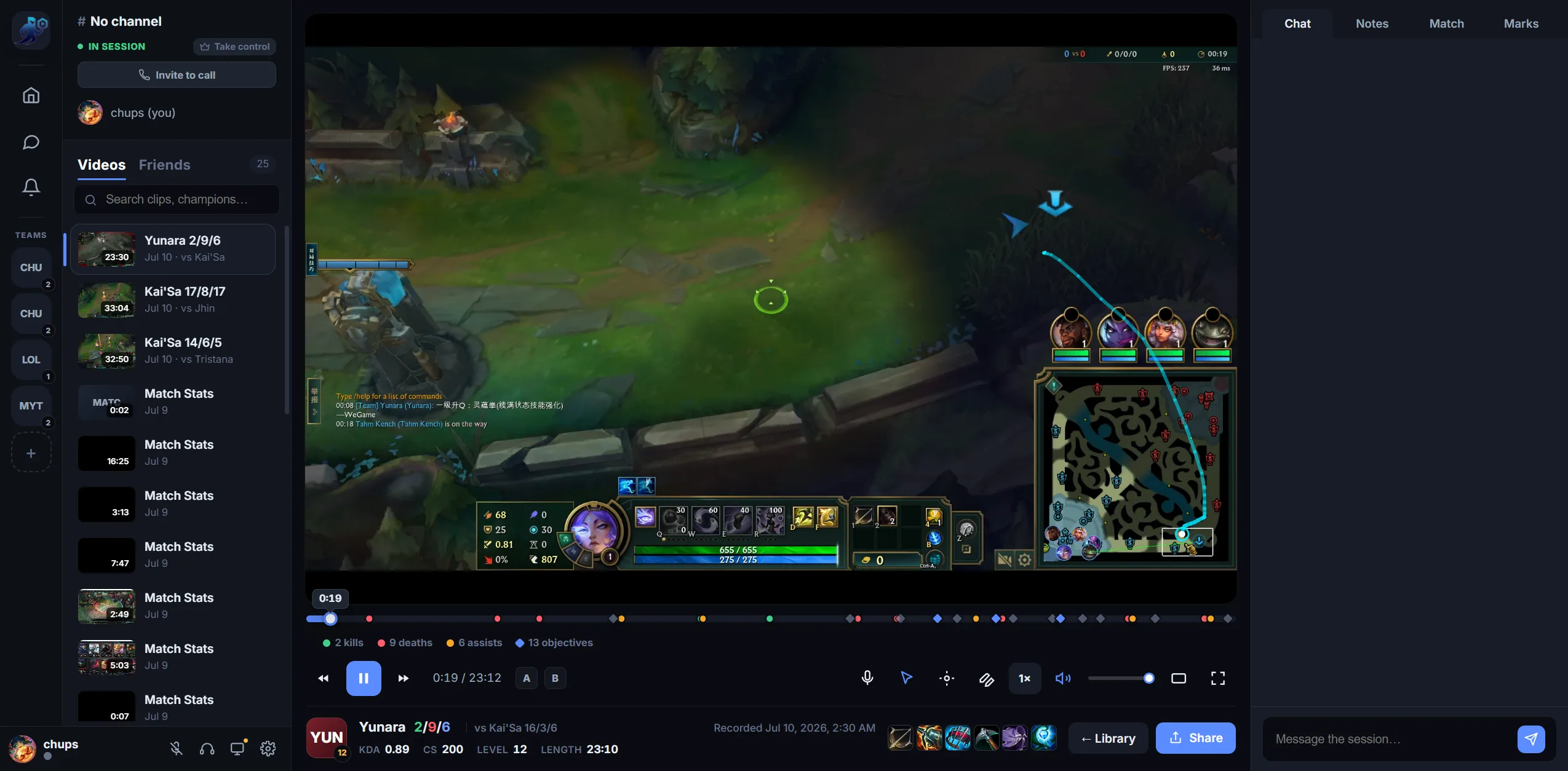
Synced playback with voice and chat, timeline event markers, drawings on the frame, and timestamped notes and marks that stick.

  • Synced playback + voice
  • Draw, note and mark moments
  • Invite friends, a team or a coach
Synced League VOD review room with voice and notes
Match context

The game context, on the side

When the recording includes League match data, both teams' champions, builds and KDA sit next to the video.

  • Available 10-player stats
  • Builds, runes and KDA
  • Jump between the video and the data
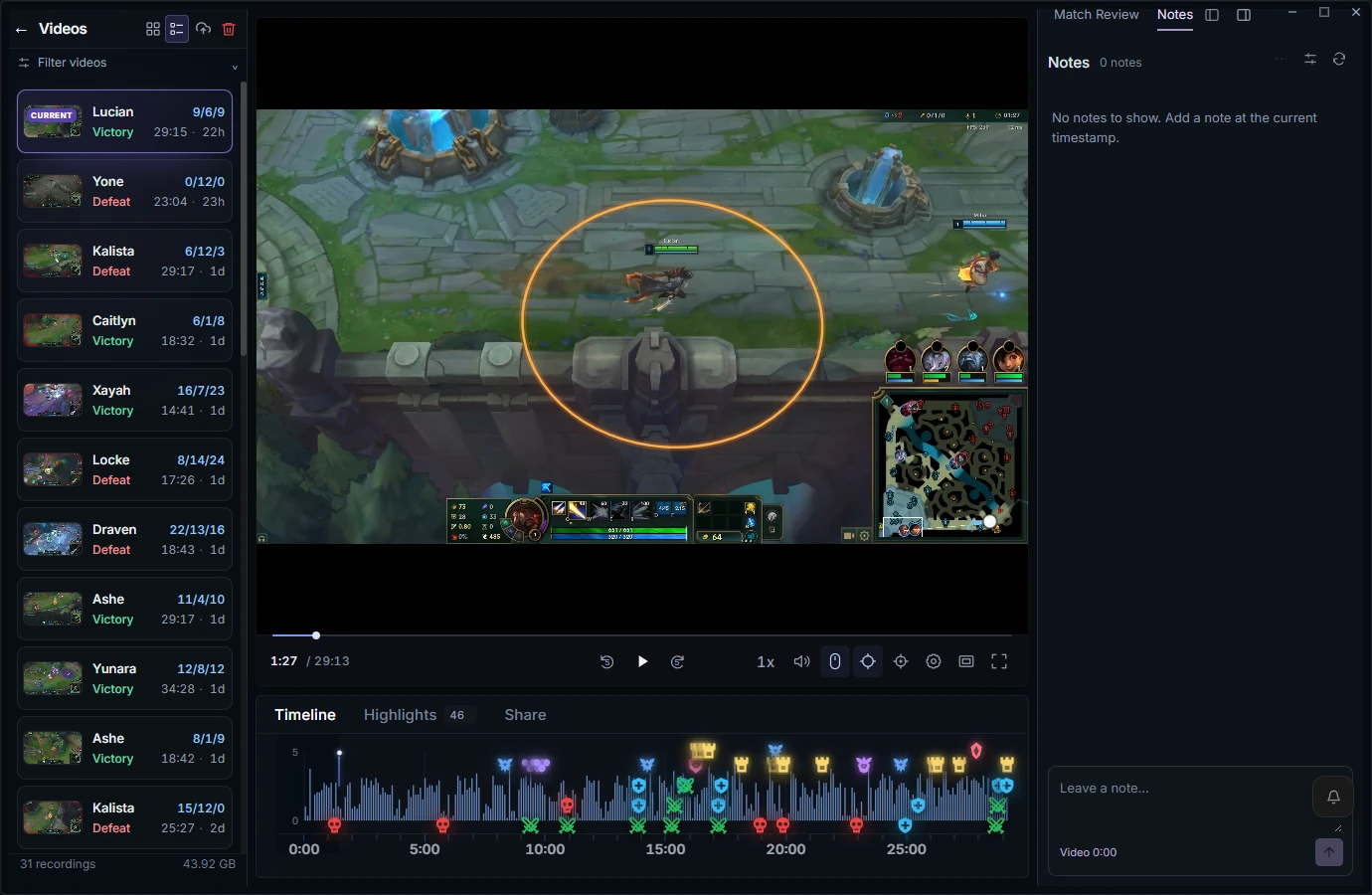
RiftRec Lucian replay with recorded mouse tracking, attack range and timeline

Free recording. Eligible existing accounts receive 30 days of Pro.

Free: 5 GB of cloud storage. Pro: 150 GB. Upload size and room limits depend on your plan.

The 21 October 2026 grant keeps eligible existing accounts on Pro through at least 20 November 2026 (UTC). Sign in to check your plan and expiry.

Storage and access
Guides

Useful Review guides

🎯

How to review a VOD

A repeatable review routine.

Read →
🤝

Share a VOD with your coach

Get feedback in one click.

Read →
👥

Review for coaches

Run live sessions with students.

Read →
Compliance

Recording & review software only

RiftRec records your screen and can use local League client data for post-match context. It does not automate gameplay or modify game files. Uploading to a Review room is your choice. RiftRec isn't endorsed by Riot Games and doesn't reflect the views of Riot Games or anyone officially involved in producing League of Legends.

Start a Review room today

Free to record. Review together with Review Pro.

Download RiftRec free