LoL VOD Review
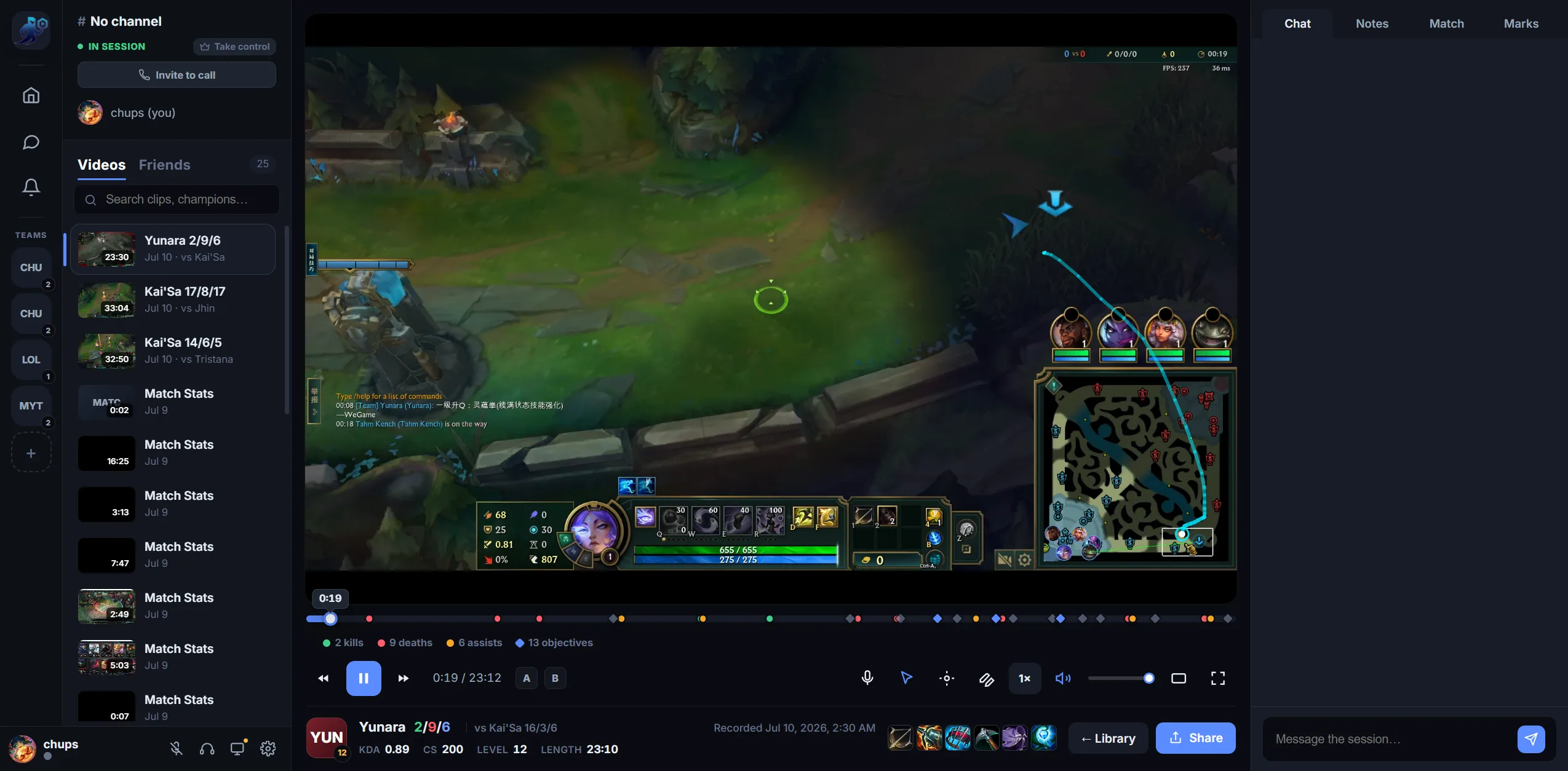
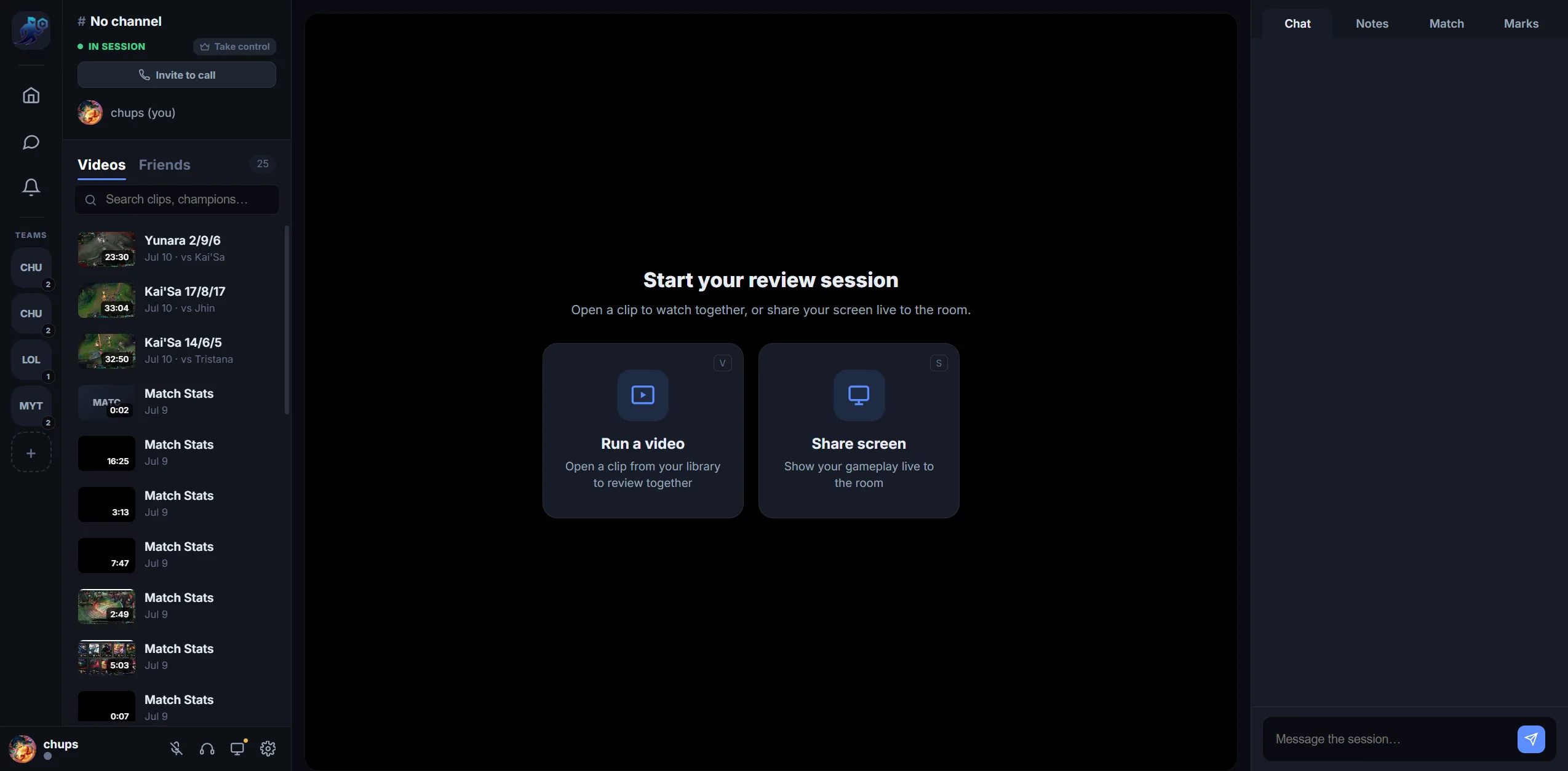
Review League VODs with players, friends and coaches
Use RiftRec to open a recorded match, jump to gameplay events, add timestamped notes and review together in a private room with synced playback, drawings and voice.
Use RiftRec to open a recorded match, jump to gameplay events, add timestamped notes and review together in a private room with synced playback, drawings and voice.
Shared playback controls keep the room aligned without a manual countdown over Discord.
Play, pause and scrub as a group. The timeline is marked with kills, deaths and objectives so you jump straight to what matters.
Drop timestamped notes and marks, and draw on the pause frame so the fix is unmistakable — then revisit them later.
When League match data is attached, pull up both teams, builds and KDA next to the VOD so feedback has game context.
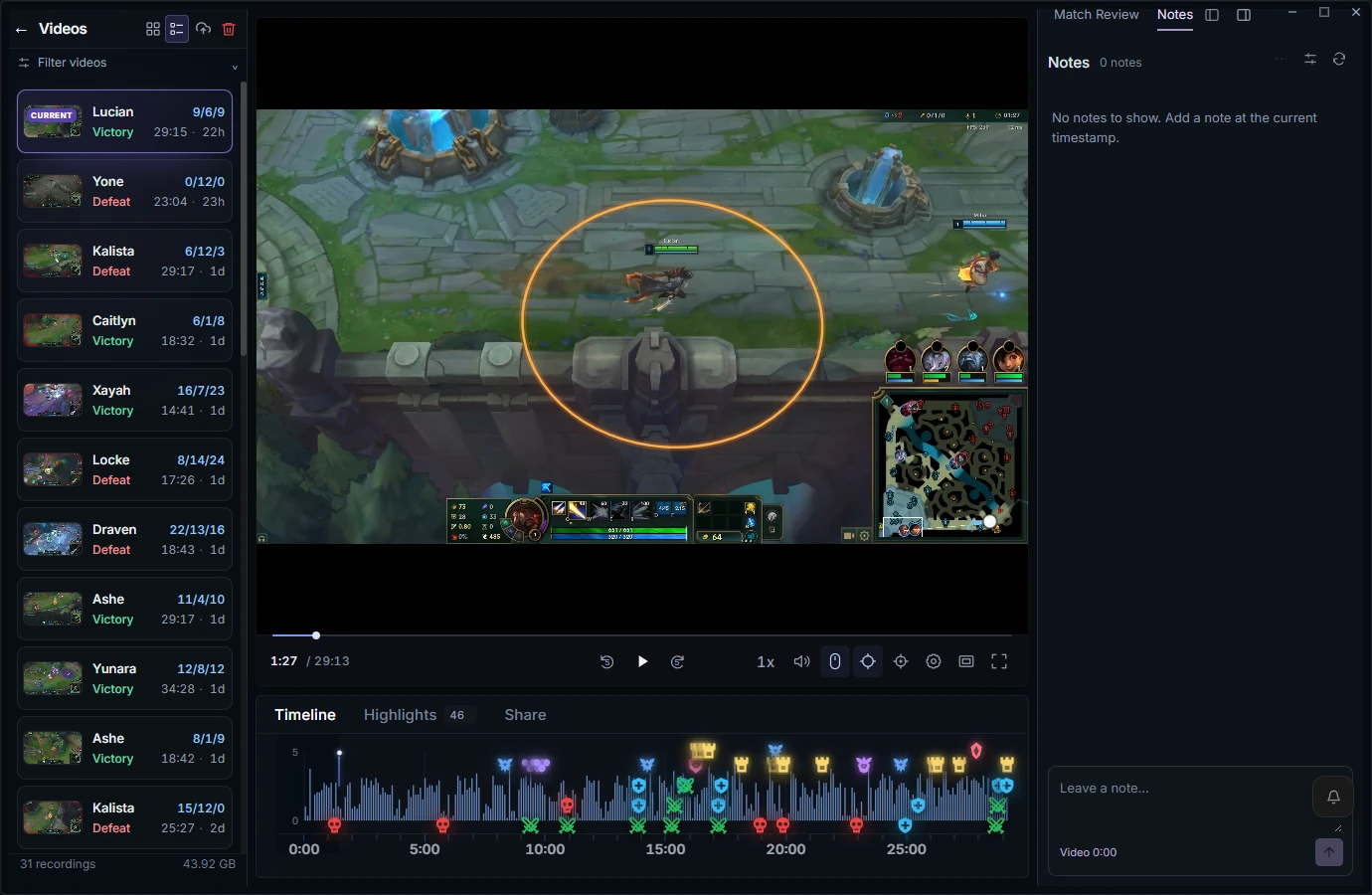
Rewind each death and name the real mistake.
Were your backs and wave states on purpose?
Warding before objectives, checking the map before moving.
Where you were 30s before each dragon and baron.
Right target, right position, right time.
Did you play toward how your comp wins?
New to VOD review? Follow the League VOD review checklist and workflow.
Free to record — review together in a room with Review Pro.
Download RiftRec free