Coaching Review Rooms
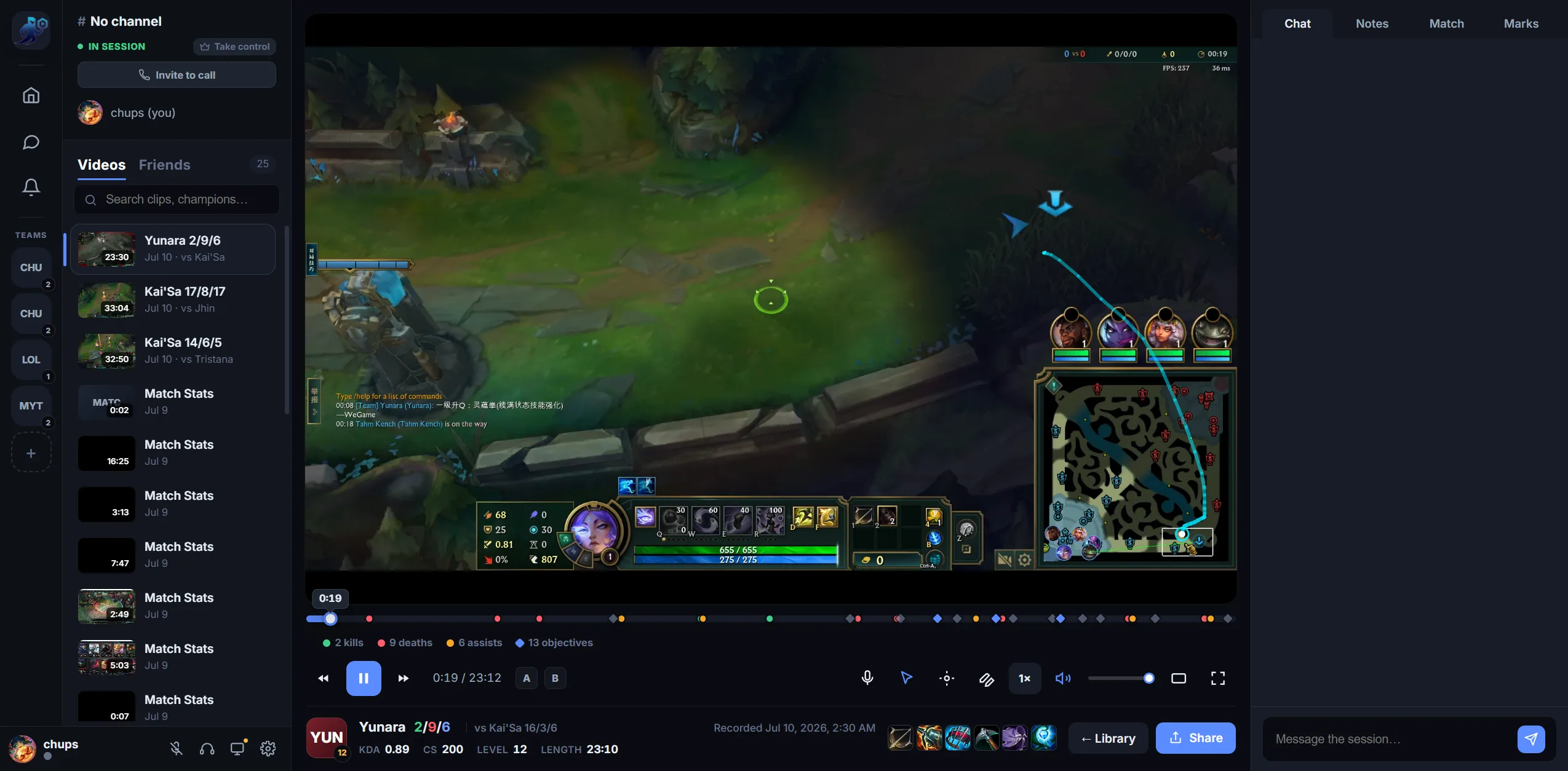
Private League coaching rooms for reviewing completed VODs
A quiet, private space to review finished games with a coach or team — uploaded VOD playback, voice, chat, drawings and timestamped notes.
A quiet, private space to review finished games with a coach or team — uploaded VOD playback, voice, chat, drawings and timestamped notes.
Open a finished VOD and go through it with your student or team. Shared playback controls keep the room focused on the same moment while you discuss it.
When League match data is attached, both teams' champions, builds and KDA are one tab away.
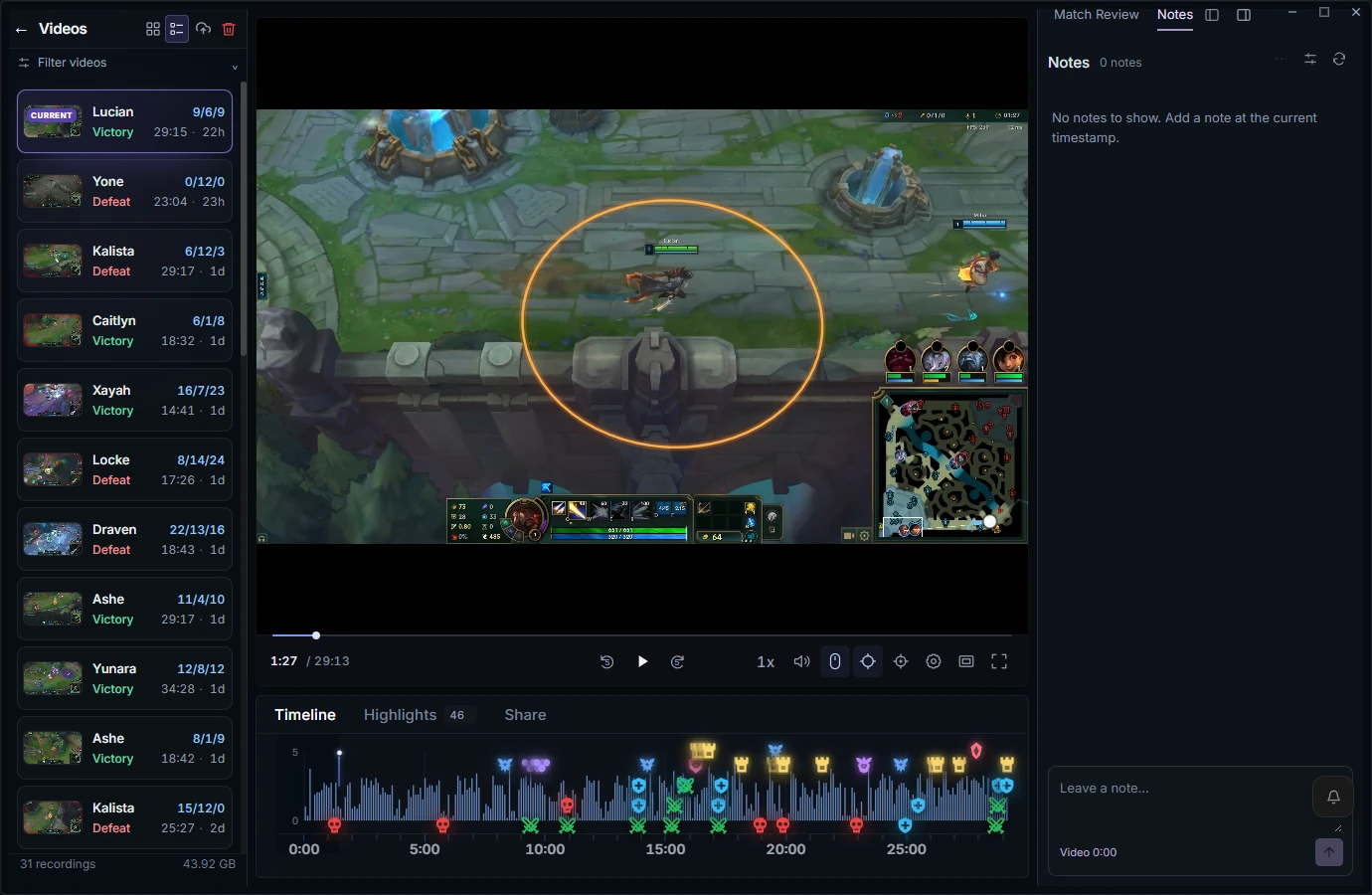
Review rooms are for watching and discussing completed VODs after the game. They're not a live-game overlay or anything that touches an in-progress match — RiftRec only records and plays back your own screen. Uploading a VOD to a room is always your choice.
Free to record — review together with Review Pro.
Download RiftRec free