Guides / How to share recordings
How to share your League of Legends recordings
Sharing a 30-second outplay is a different job from sharing a full game for coaching. RiftRec gives you three ways to share — here's when to use each.
Quick answer: A funny/clutch moment → clip it. A whole game for feedback → Review room. Just need someone to watch a file → share the MP4/link.
In this guide
1. Save a clip
For a single highlight — a clutch steal, a 1v3 outplay — save a clip with the hotkey during the game, or trim one from a recording afterwards. Clips are short and easy to drop into Discord or send to friends.
2. Share the file or link
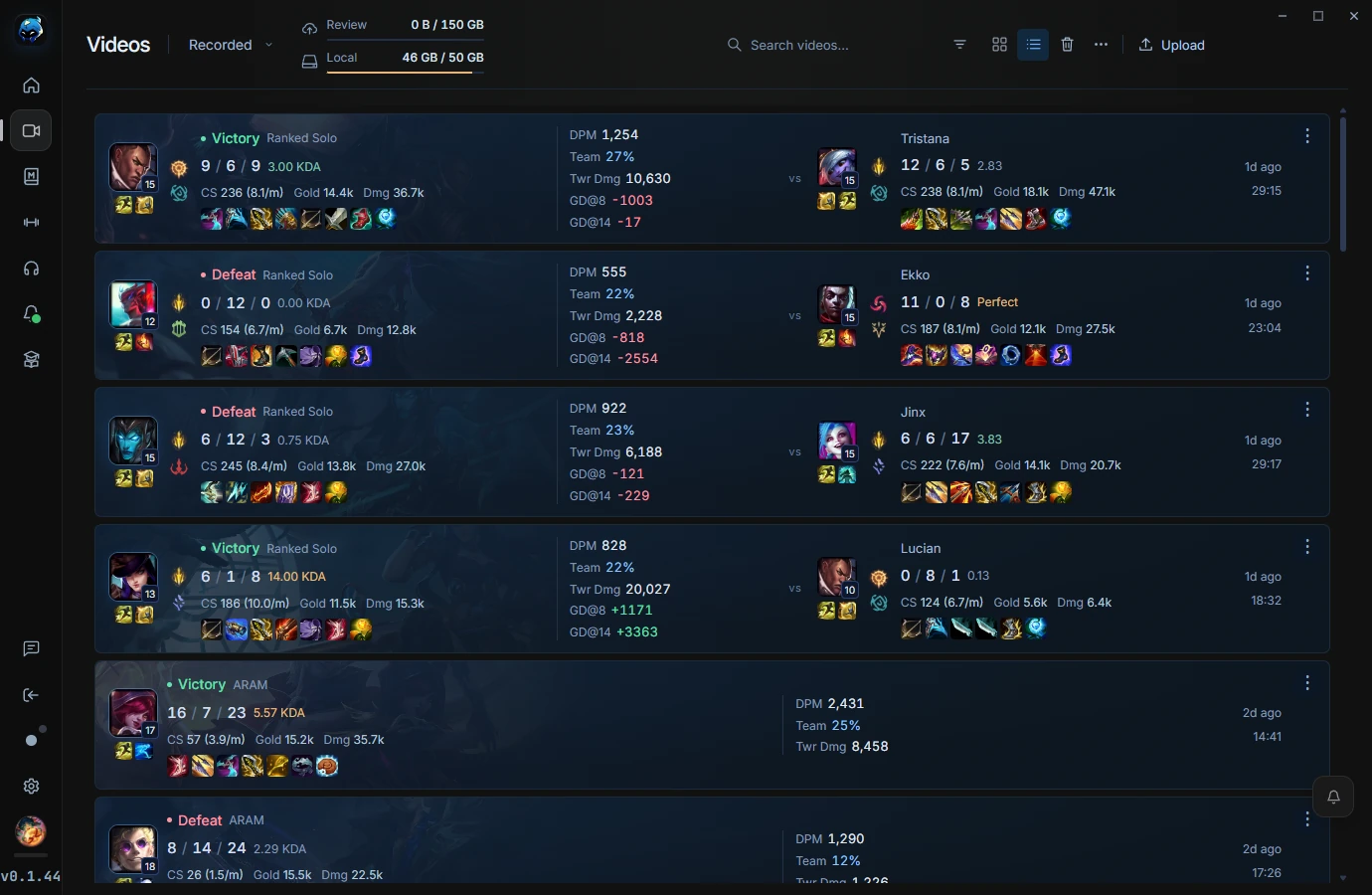
Every recording is a standard MP4 on your PC, so you can send it like any other video — upload it, drop it in a Discord DM, or store it in your own cloud. You're always in control of who sees it.
3. Review rooms
For coaching or team review, don't send a file at all — open a Review room and watch it together, live, with synced playback, voice and notes. See share a VOD with your coach.
4. Which to use when
| You want to… | Use |
| Share a highlight with friends | Clip → Discord |
| Send a full game to someone | MP4 file / link |
| Get coached on a game | Review room (live) |